Matram
Best when the answers already exist in your documentation
Visit Website ↗Eight AI support tools compared on what they actually cost, with every price read from the vendor's own page.
Transparency note: some links in this guide are partner links and may earn PeopleOpsHQ a commission at no extra cost to you. We only feature tools we have researched against a consistent set of criteria. See our editorial policy.
Why Trust Us
Every platform is evaluated against a consistent rubric covering coverage, feature depth, pricing transparency, and integrations - no pay-to-play rankings.
Reviews draw on first-hand experience from IT and People Ops leaders running distributed teams in 2026 - not vendor marketing claims.
We disclose every commercial relationship and link to our editorial policy so you can see how recommendations are made.
Overview
An IT support chatbot answers the questions staff ask over and over: how do I get on the VPN, my laptop will not connect to the printer, how do I request a replacement. For a distributed team those questions arrive at all hours and the answers usually already exist in a runbook nobody opens.
Disclosure: Matram is our own product and it is ranked first on this page. It is assessed against the same criteria as every other tool here and its limitations are listed in full alongside everyone else's. No vendor on this page has paid for placement. The market splits into tools that answer from your documentation and platforms that manage tickets. Buying the second when you needed the first is the expensive mistake here, and the billing model matters more than the feature list: flat, per agent, per workspace, per resolution and usage based all behave very differently as a team grows.
The Shortlist
Each pick is matched to the team or environment it serves best. Jump into the full reviews below for features, pricing, and trade-offs.
Side by Side
Starting prices reflect entry-tier plans published by each vendor as of 2026. Most platforms scale by device or user and offer volume discounts - always confirm a live quote for your team size.
| Tool | Best for | Free trial / tier | Starting price | Platforms |
|---|---|---|---|---|
|
|
Best when the answers already exist in your documentation | 30 day trial, no card | From $29/month | Web widget / Slack / API |
|
|
large enterprises automating IT and HR support together | Demo on request | Quote-based | Web / Slack / Microsoft Teams |
|
|
Best when you need real IT service management, not just answers | Free trial available | From $19/agent/month | Web / cloud |
|
|
Best if you already run Intercom for customers | Free trial available | Seat price plus $0.99 per resolution | Web / Slack / mobile |
|
|
larger support organisations needing full ticketing | Free trial available | From $55/agent/month | Web / cloud |
|
|
Best free tier to start on | Free plan available | Free, then $45/month | Web / mobile |
|
|
a bot trained purely on your own pages | Free trial available | From $468/year | Web embed |
|
|
Best when conversation volume is predictable | Free plan available | Usage based | Web widget |
Top Picks
Our highest-rated picks across the category - strong starting points if you want to skip the full read.
Best when the answers already exist in your documentation
Visit Website ↗Best when you need real IT service management, not just answers
Visit Website ↗Best for large enterprises automating IT and HR support together
Visit Website ↗In Depth
Full write-ups for every shortlisted platform - what it does well, where it struggles, and who should buy it.
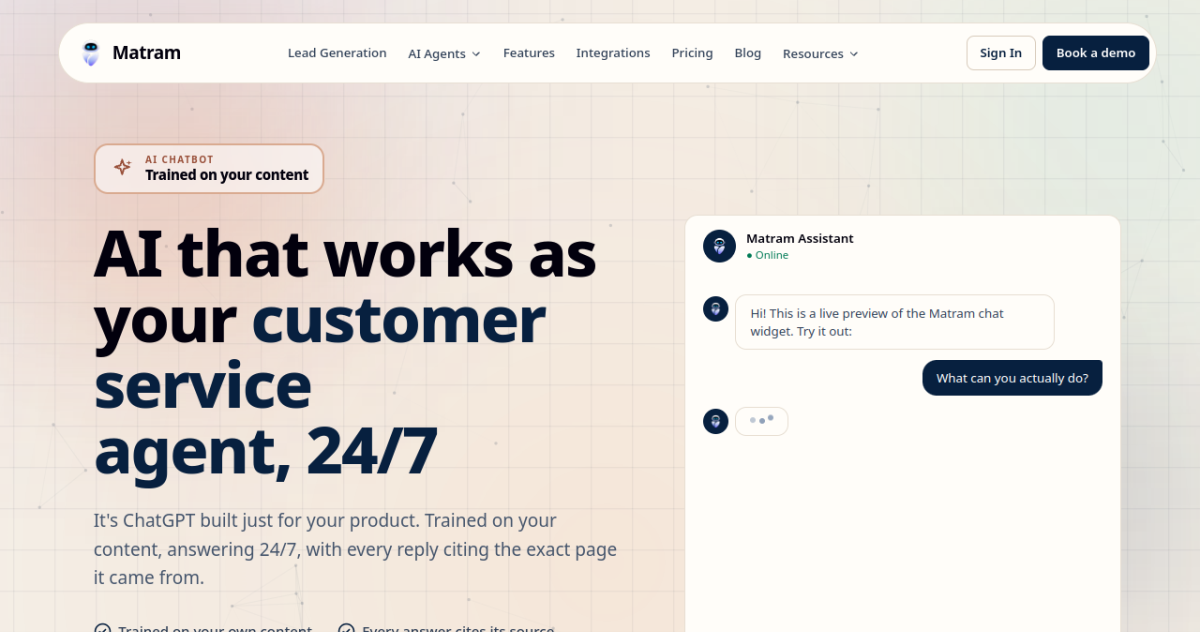
AI support trained on your own content, with flat pricing
Disclosure: Matram is our own product and it is ranked first on this page. It is assessed against the same criteria as every other tool here and its limitations are listed in full alongside everyone else's. No vendor on this page has paid for placement.
Distributed teams whose IT questions are already answered somewhere in writing
Pros
Cons
Enterprise AI assistant across IT, HR and facilities
Moveworks treats employee support as one problem rather than several. A member of staff asking about a laptop, a payslip and a meeting room is routed correctly without knowing which team owns which question, which is the main argument for it over a departmental tool.
Large organisations consolidating employee support into one assistant
Pros
Cons
IT service management with a virtual agent on top
Freshservice is a service desk first and a chatbot second, which is the right way round if your actual problem is that requests disappear. Tickets, queues, SLAs, asset records and a service catalogue are all core rather than bolted on.
IT teams that need tickets tracked, assigned and reported on
Pros
Cons
AI answers billed per resolution on top of seats
Intercom is a customer messaging platform whose AI agent, Fin, can be pointed at internal documentation as well as customer-facing content.
If you already run intercom for customers
Pros
Cons
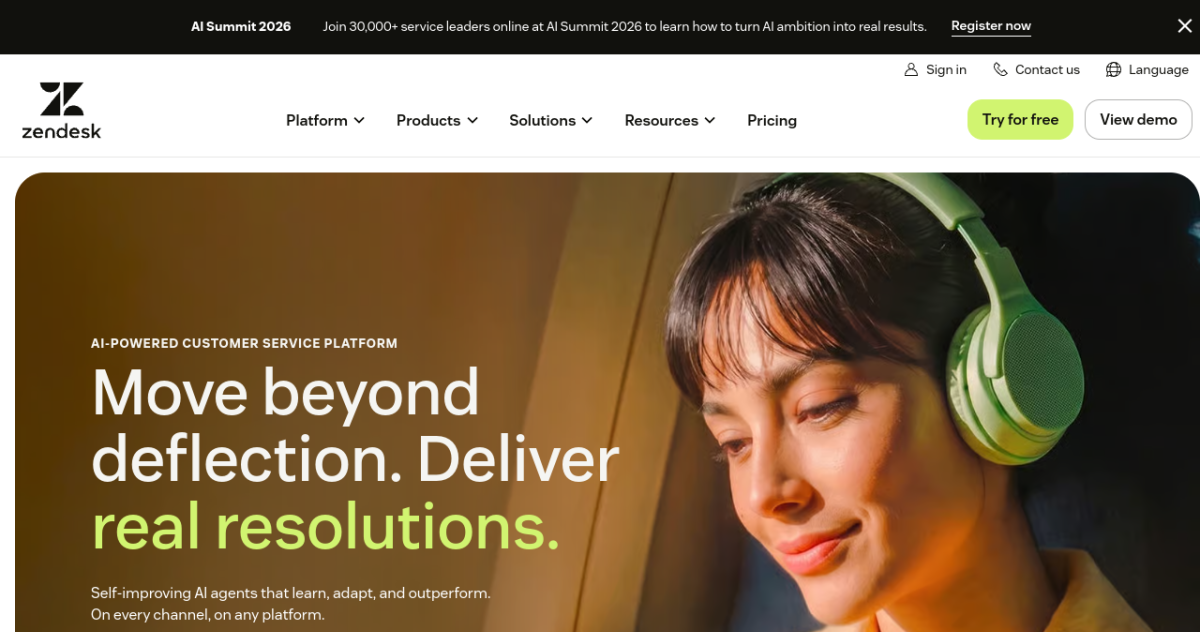
Ticketing first, with AI assistance charged per agent
Zendesk is a full service desk with ticketing, queues and reporting, and an AI layer sold separately per agent.
For larger support organisations needing full ticketing
Pros
Cons
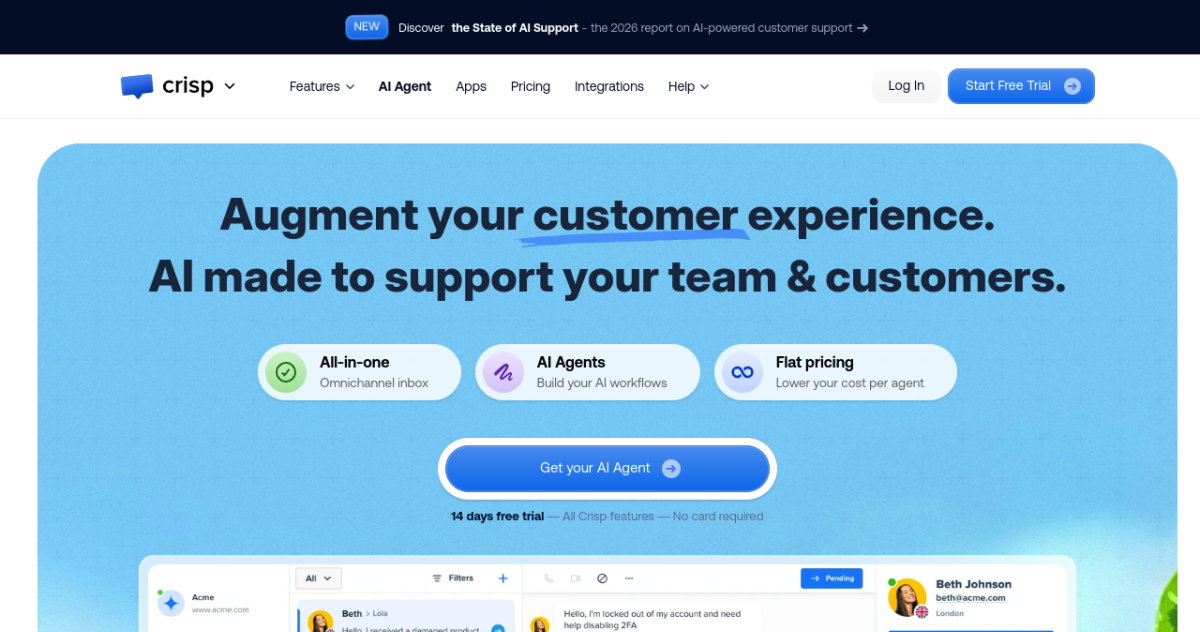
Per workspace pricing with AI credits on top
Crisp is a shared inbox and messaging platform priced per workspace rather than per agent, with AI metered through credits.
Free tier to start on
Pros
Cons
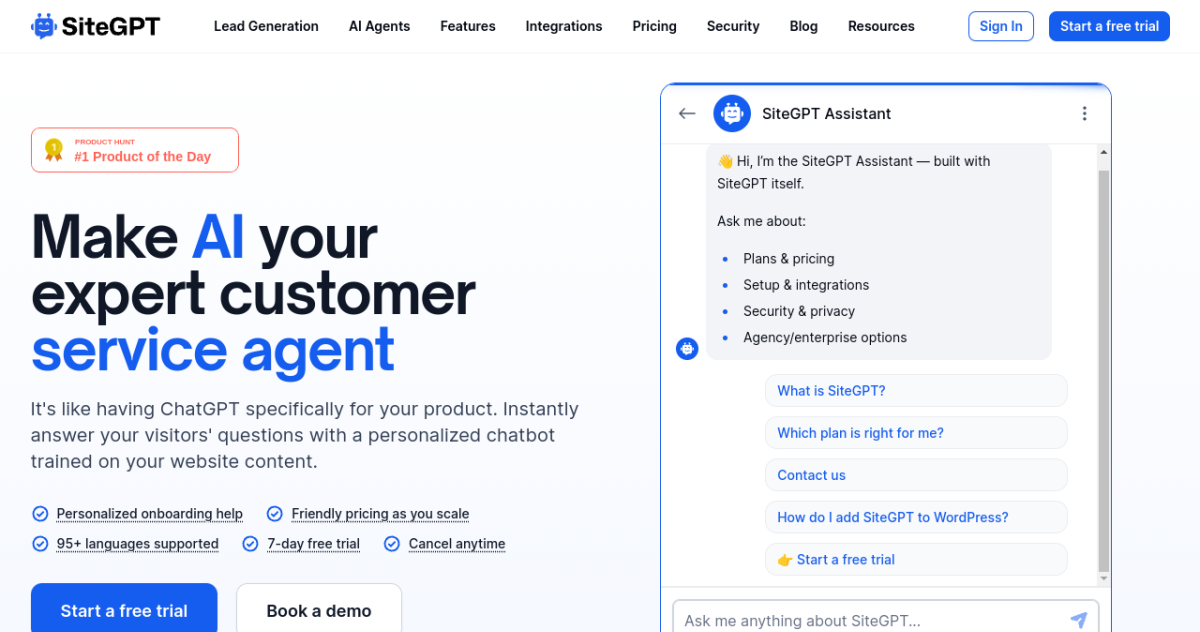
Per chatbot pricing with page limits
SiteGPT trains a chatbot on your own content and answers from it, with plans scoped by number of chatbots and pages.
For a bot trained purely on your own pages
Pros
Cons
Priced by billable conversation rather than by plan
Tidio is a messaging and chatbot platform now priced by conversation volume rather than by fixed plan.
When conversation volume is predictable
Pros
Cons
Our Methodology
We evaluate every IT support chatbots platform against the same five criteria, weighted toward what matters most to distributed teams.
The non-negotiables of IT support chatbots - judged on how reliably and granularly each tool delivers them.
Breadth of OS, platform, or environment coverage and the depth of integrations with the rest of your stack.
How much audit-readiness work the tool removes for frameworks like SOC 2 and ISO 27001, and how it handles BYOD privacy.
Time to value, quality of admin and end-user experience, and whether a lean team can run it without a dedicated specialist.
Transparent, predictable pricing measured against the capability delivered - including free tiers and scaling with team size.
Questions & Answers
It is software that answers staff IT questions automatically, usually in a chat window or inside a tool people already use. Most are pointed at your existing runbooks and help centre and answer from that content. A smaller group also act inside a service desk, raising or resolving tickets rather than only explaining. The two are sold under the same name and are very different deployments.
Published prices range from nothing to $99 per agent per month, and the spread is mostly about the billing model. Verified on 5 October 2026: Crisp starts free and then $45 a month per workspace, Matram is $29 a month flat with unlimited seats, SiteGPT is $468 a year, Freshservice is $19 to $99 per agent per month with its AI add-on a further $29, and Zendesk is $55 per agent per month with Copilot a further $50. Moveworks publishes nothing.
Ask what broke last month. If staff are waiting for answers that already exist in documentation, a chatbot solves it and a service desk is more than you need. If requests are getting lost, nobody owns them and you cannot report on resolution times, that is a ticketing problem and Freshservice or Zendesk is the right buy. Running a chatbot in front of a service desk is a common and sensible arrangement.
That is exactly what most of these tools do, and the quality of the answers is the quality of your documents. A bot pointed at a runbook last updated two years ago will confidently repeat two year old instructions. Audit the source content before deploying rather than after the first complaint.
The behaviour you want is a clean handoff to a named person with the conversation attached. The behaviour to avoid is a confident guess, which matters for internal IT because staff act on what they are told about access and equipment. Test this specifically during a trial by asking something deliberately outside the documentation.
It depends entirely on your shape. Per agent pricing is cheapest with a small IT team and expensive as it grows. Per resolution and usage based pricing are cheapest at low volume and get more expensive precisely as the bot becomes useful. Flat pricing costs more on day one and does not move. Model your own numbers at today's size and at your projected size before deciding.