Tools Roundup · 2026

10 Best IT Asset Management (ITAM) Software in 2026

Platforms to discover, track, and manage hardware and software assets across distributed teams - from manual inventory tools to automated network-discovery platforms.

Transparency note: some links in this guide are partner links and may earn PeopleOpsHQ a commission at no extra cost to you. We only feature tools we have researched against a consistent set of criteria. See our editorial policy.

Why Trust Us

You can trust our software reviews

01 - Research

Independent research

Every platform is evaluated against a consistent rubric covering coverage, feature depth, pricing transparency, and integrations - no pay-to-play rankings.

02 - Practitioners

Real practitioner input

Reviews draw on first-hand experience from IT and People Ops leaders running distributed teams in 2026 - not vendor marketing claims.

03 - Disclosure

Transparent methodology

We disclose every commercial relationship and link to our editorial policy so you can see how recommendations are made.

Overview

About IT Asset Management

Tracking hardware, software, and cloud assets is straightforward until you have 200+ employees in 30 countries with mixed device fleets. ITAM platforms make it possible at scale.

Top 10 ITAM tools from open-source to enterprise, evaluated on discovery, license management, integrations, and ease of use.

Side by Side

IT Asset Management comparison chart

Starting prices reflect entry-tier plans published by each vendor as of 2026. Most platforms scale by device or user and offer volume discounts - always confirm a live quote for your team size.

Tool Best for Free trial / tier Starting price Platforms
Lansweeper IT teams needing automated network-based discovery alongside asset management Free tier (100 assets) From $1/asset/month Web / cloud · agentless
Snipe-IT Best open-source ITAM for SMBs and engineering-led IT teams Free OSS Free OSS / $39+/mo cloud Web / self-hosted or cloud
Asset Panda Best mobile-first ITAM with strong custom fields and barcode tracking Demo only Quote-based (~$1.5-3k/yr SMB) Web · iOS · Android
Freshservice IT teams wanting ITSM + ITAM combined in one platform 21-day free trial From $19/agent/month Web · iOS · Android
Atera MSPs and small IT teams wanting RMM + ITAM bundled in one platform 30-day free trial From $129/technician/month Web · iOS · Android · Windows/Mac agents
NinjaOne Best modern RMM + ITAM with clean admin UX and strong patch management Demo only From $3/device/month Web · Win/Mac/Linux agents
ManageEngine AssetExplorer Best value ITAM with strong network discovery and software license tracking 30-day free trial From $955/year (250 assets) Web · self-hosted or cloud
GoCodes Best budget ITAM with QR-based tracking for SMBs and education Free trial From $24/month (200 assets) Web · iOS · Android
Ivanti IT Asset Management Best enterprise ITAM with deep software asset management capabilities Demo only Quote-based (enterprise) Web · self-hosted or cloud
ServiceNow ITAM Best enterprise ITAM for organizations already standardized on ServiceNow Demo only Quote-based (ServiceNow add-on) ServiceNow platform

In Depth

The 10 best IT asset management tools, reviewed

Full write-ups for every shortlisted platform - what it does well, where it struggles, and who should buy it.
Lansweeper homepage screenshot
01

Lansweeper

Best for IT teams needing automated network-based discovery alongside asset management
★★★★½ 4.6

Why I Picked Lansweeper

Network-discovery-driven ITAM with the most automated hardware/software/cloud inventory in the category.

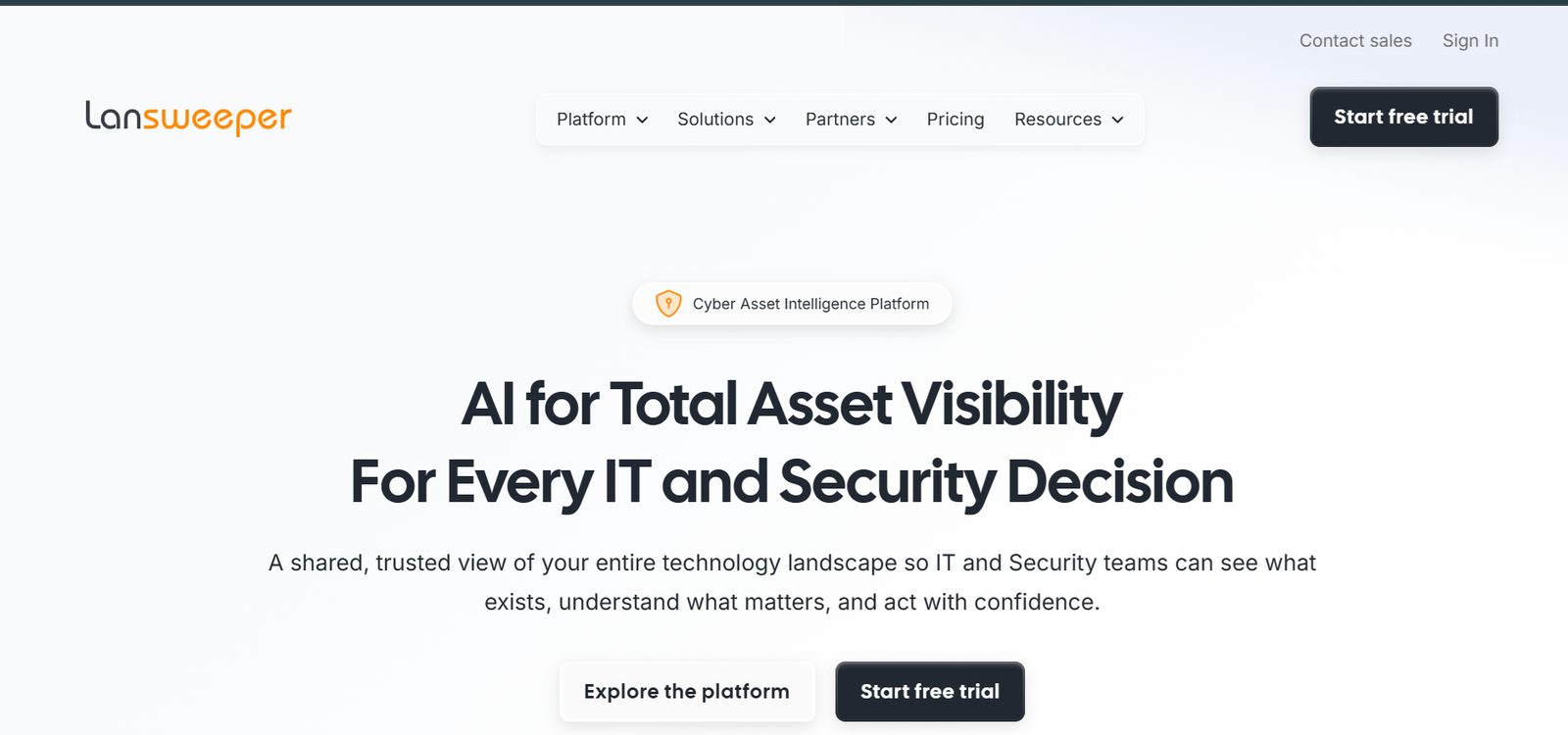
Lansweeper is the network-discovery-first ITAM - instead of asking IT teams to manually enter assets, it scans the network to automatically discover them. The result is dramatically better data quality than manual ITAM systems, especially in environments where shadow IT and uncatalogued assets are common.

Who Is Lansweeper Best For?

Mid-market and enterprise IT teams wanting automated comprehensive visibility

Sweet spot: IT teams managing 500-10000+ assets

Try it if you: Tired of maintaining manual asset spreadsheets across hardware, software, and cloud

  • Mid-market and enterprise IT: Companies 500-10000+ assets where manual inventory is unsustainable.
  • OT/IoT-heavy industries: Manufacturing, healthcare, utilities - environments where dedicated ITAM tools miss the OT side.
  • Compliance-driven organizations: Companies needing comprehensive asset inventory for SOC 2, ISO 27001, or HIPAA compliance.

Lansweeper Key Features

  • Agentless network discovery
  • Hardware + software inventory
  • Cloud asset discovery (AWS, Azure, GCP)
  • Vulnerability identification via CIS-CAT integration
  • OT/IoT discovery (manufacturing/healthcare)

Pros and Cons

Pros

  • Best-in-class automated discovery
  • Covers hardware, software, cloud, and OT/IoT
  • Significant ROI for mid-market and enterprise IT

Cons

  • Agentless discovery requires network access
  • Pricing can climb at enterprise scale
Starting price From $1/asset/month Free trial
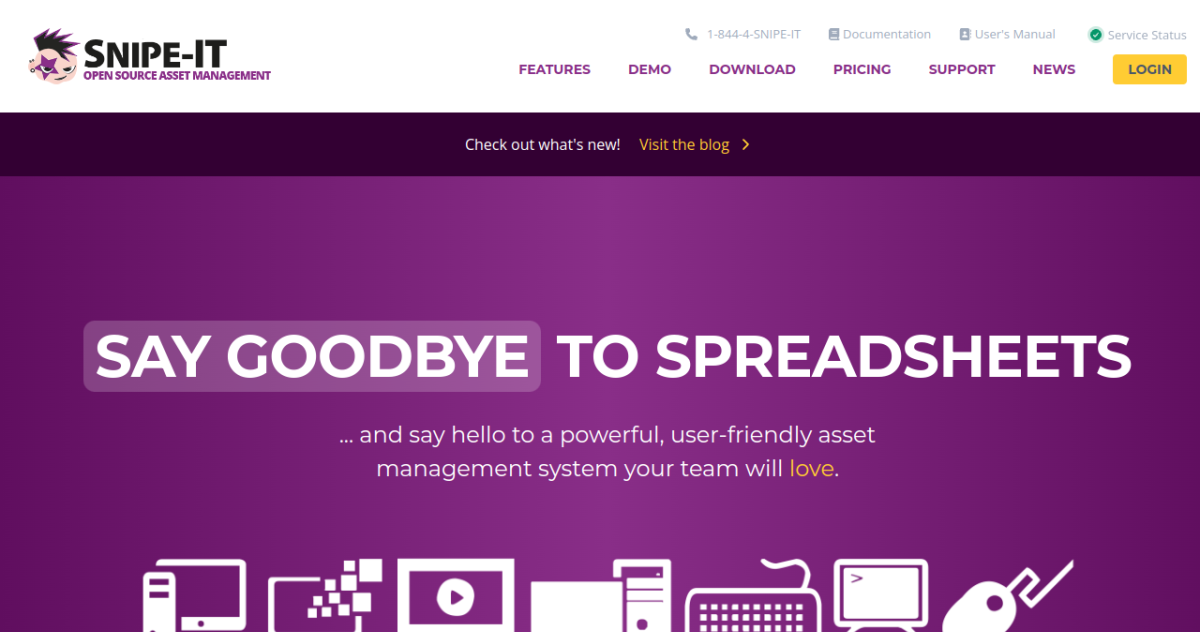
Snipe-IT homepage screenshot
02

Snipe-IT

Best open-source ITAM for SMBs and engineering-led IT teams
★★★★½ 4.5

Why I Picked Snipe-IT

Open-source ITAM with strong check-in/check-out workflows and a robust API - free if you self-host.

Snipe-IT is the dominant open-source ITAM platform - actively developed, widely deployed, and genuinely free under AGPL when self-hosted. It's the go-to choice for SMBs and engineering-led IT teams that want to avoid per-asset SaaS pricing.

Who Is Snipe-IT Best For?

SMBs and engineering-led IT teams comfortable with open-source operations

Sweet spot: 50-1000 assets, engineering-friendly IT team

Try it if you: Want ITAM without per-asset pricing and have engineering capacity to operate it

  • SMBs and startups: Companies 20-500 ppl that want ITAM without per-asset pricing.
  • Engineering-led IT teams: Tech companies with engineering capacity to self-host and customize via API.
  • Education and nonprofit: Education and nonprofit budgets benefit from the free self-hosted option.

Snipe-IT Key Features

  • Open-source (AGPL) with optional managed hosting
  • Check-in/check-out workflows for shared assets
  • API-driven for custom integrations
  • License tracking
  • Mobile app for asset scanning

Pros and Cons

Pros

  • Genuinely open-source with no per-asset cost (self-hosted)
  • Strong API for engineering teams to integrate
  • Active community and ongoing development

Cons

  • No automated network discovery
  • Admin UX is functional but not modern
Starting price Free OSS / $39+/mo cloud Free tier
Asset Panda homepage screenshot
03

Asset Panda

Best mobile-first ITAM with strong custom fields and barcode tracking
★★★★☆ 4.4

Why I Picked Asset Panda

Mobile-first ITAM with highly customizable asset types and strong barcode tracking workflows.

Asset Panda is the ITAM platform optimized for organizations that manage diverse physical assets - not just laptops and monitors, but tools, equipment, vehicles, art collections, anything trackable. The custom field system is the most flexible in the category.

Who Is Asset Panda Best For?

Mid-market organizations needing flexible asset tracking beyond standard IT

Sweet spot: IT teams managing mixed physical assets (IT + non-IT)

Try it if you: You track non-standard assets alongside IT equipment

  • Mid-market organizations: Companies 200-2000 ppl with diverse asset categories.
  • Schools and nonprofits: Education and nonprofit organizations managing mixed assets benefit from the flexible field system.
  • Distributed-equipment industries: Construction, fleet management, healthcare - industries with mobile assets beyond standard IT.

Asset Panda Key Features

  • Cloud-based with strong mobile apps
  • Highly customizable fields and asset types
  • Barcode/QR scanning for physical inventory
  • Check-in/check-out workflows
  • Maintenance and depreciation tracking

Pros and Cons

Pros

  • Best mobile experience in the category
  • Custom fields handle non-standard assets well
  • Easy to deploy for non-engineering IT teams

Cons

  • No automated network discovery
  • Pricing not transparent on website
Starting price Quote-based (~$1.5-3k/yr SMB) Demo available
Freshservice homepage screenshot
04

Freshservice

Best for IT teams wanting ITSM + ITAM combined in one platform
★★★★½ 4.5

Why I Picked Freshservice

ITSM platform with strong bundled ITAM - best when ticketing and asset tracking should live together.

Freshservice is one of the most popular modern ITSM platforms, with ITAM capabilities baked in alongside ticketing, change management, and incident management. The proposition is consolidation - instead of running separate ITSM (Jira, ServiceNow) and ITAM (Lansweeper, Snipe-IT) tools, you have both in one platform.

Who Is Freshservice Best For?

IT teams consolidating ITSM and ITAM into a single platform

Sweet spot: Mid-market IT teams 100-5000 employees

Try it if you: Want IT support tickets and asset records living in the same platform

  • Mid-market IT teams: Companies 100-5000 ppl wanting consolidated ITSM + ITAM.
  • Support-focused IT organizations: Teams where IT support is a primary function and asset context matters in tickets.
  • Companies replacing legacy ITSM: Organizations migrating off ServiceNow or BMC for cost or modernization reasons.

Freshservice Key Features

  • ITSM platform with ITAM integrated
  • Asset discovery via network probe agent
  • Asset-to-ticket linkage
  • Software license management
  • Contract management

Pros and Cons

Pros

  • Strong ITSM + ITAM consolidation
  • Asset context in ticket workflows valuable for support teams
  • Modern admin UX

Cons

  • Less ITAM-focused than dedicated tools
  • Network discovery less powerful than Lansweeper
Starting price From $19/agent/month 21-day free trial
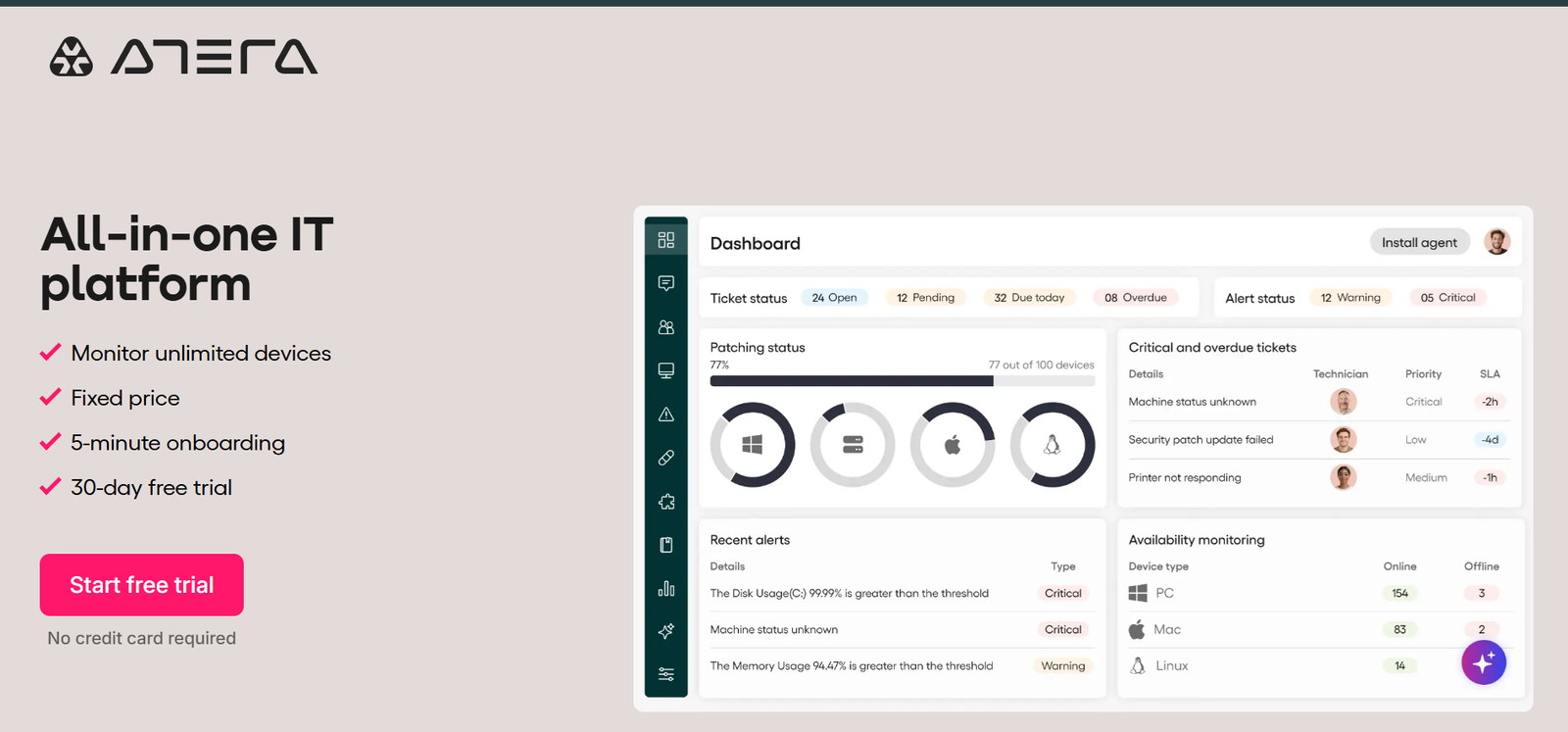
Atera homepage screenshot
05

Atera

Best for MSPs and small IT teams wanting RMM + ITAM bundled in one platform
★★★★☆ 4.4

Why I Picked Atera

All-in-one RMM, helpdesk, and ITAM with per-technician pricing - powerful for MSPs and small IT teams managing many devices.

Atera is the all-in-one RMM (remote monitoring and management), helpdesk, and ITAM platform that has gained significant traction with MSPs and small IT teams. Its per-technician pricing model is the differentiator - you pay per IT staff member, not per asset, making it dramatically cost-effective for small teams managing large device fleets.

Who Is Atera Best For?

MSPs and small IT teams managing 100-1000+ assets with limited headcount

Sweet spot: 1-10 IT technicians managing distributed device fleets

Try it if you: Small IT team managing many assets across distributed environments

  • MSPs: Managed service providers benefit most from per-tech pricing across many client environments.
  • Small IT teams: Internal IT teams with 1-10 staff managing distributed device fleets.
  • Cost-conscious mid-market: Companies where per-asset ITAM pricing is unsustainable at their device count.

Atera Key Features

  • RMM + helpdesk + ITAM in one platform
  • Per-technician pricing (not per-asset)
  • Automated discovery via lightweight agent
  • AI Copilot for IT operations
  • Patch management included

Pros and Cons

Pros

  • Per-tech pricing is unique and powerful at scale
  • RMM + ITAM consolidation eliminates separate tools
  • Strong fit for MSPs and small IT teams

Cons

  • Less powerful than dedicated ITAM at enterprise scale
  • Per-tech model less suited for large IT teams
Starting price From $129/technician/month 30-day free trial
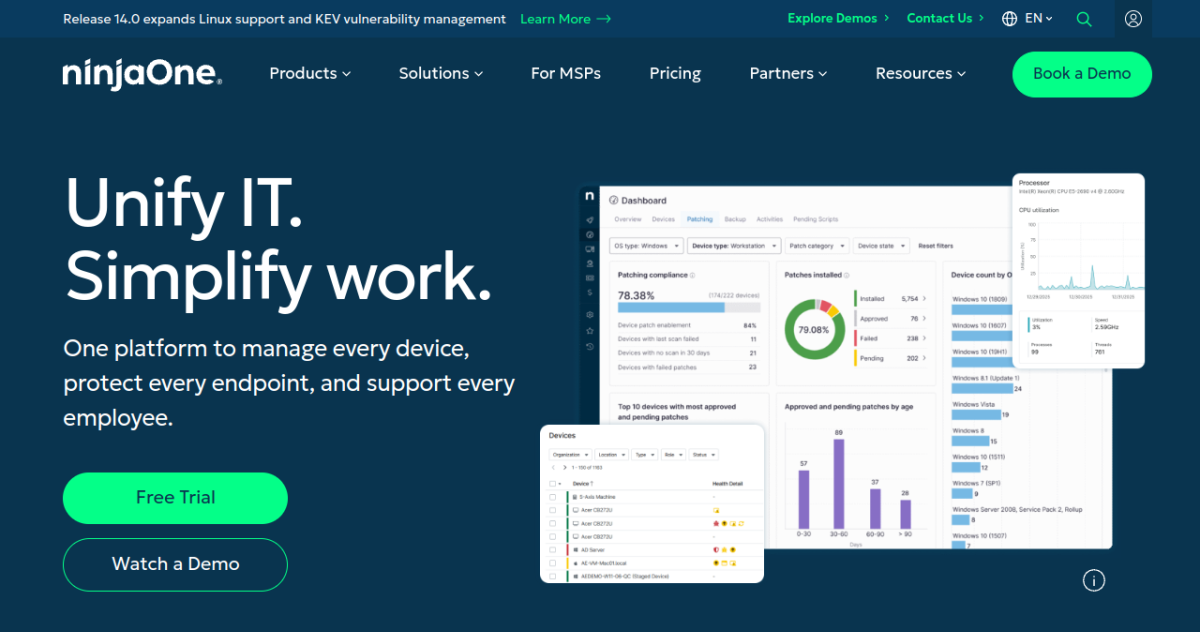
NinjaOne homepage screenshot
06

NinjaOne

Best modern RMM + ITAM with clean admin UX and strong patch management
★★★★½ 4.6

Why I Picked NinjaOne

Modern RMM + ITAM platform with the cleanest admin UX in the category and strong patch management.

NinjaOne has emerged as one of the strongest modern RMM + ITAM platforms, with significant adoption among MSPs and mid-market IT teams. The differentiator is admin UX - the platform is unusually polished for the RMM category, with workflows that feel modern compared to legacy competitors.

Who Is NinjaOne Best For?

IT teams wanting modern, consolidated RMM + ITAM with clean admin UX

Sweet spot: Mid-market IT teams 100-5000 devices

Try it if you: Need RMM + ITAM with modern UX and don't mind per-device pricing

  • Mid-market IT teams: Companies 100-5000 devices wanting modern RMM + ITAM consolidation.
  • MSPs: Service providers wanting modern admin experience for their technicians.
  • Modern IT organizations: IT teams that care about admin UX and don't want legacy RMM platforms.

NinjaOne Key Features

  • Modern RMM + ITAM + patch management
  • Endpoint management for Win, Mac, Linux
  • Strong remote control and remote scripting
  • Per-device pricing with volume discounts
  • Backup management integration

Pros and Cons

Pros

  • Best admin UX in the RMM category
  • Comprehensive RMM + ITAM in one platform
  • Strong patch management included

Cons

  • Per-device pricing scales with fleet size
  • Premium-tier features add real cost
Starting price From $3/device/month Demo available
ManageEngine AssetExplorer homepage screenshot
07

ManageEngine AssetExplorer

Best value ITAM with strong network discovery and software license tracking
★★★★☆ 4.3

Why I Picked ManageEngine AssetExplorer

Value-tier ITAM with strong network discovery, license management, and contract tracking from ManageEngine.

ManageEngine AssetExplorer is the dedicated ITAM platform in the ManageEngine portfolio, complementing ServiceDesk Plus (ITSM) and Endpoint Central (UEM). It focuses specifically on the asset management use case with strong network discovery, software license management, and contract tracking.

Who Is ManageEngine AssetExplorer Best For?

Mid-market IT teams wanting comprehensive ITAM at value pricing

Sweet spot: IT teams 100-2000 assets needing license + contract management

Try it if you: Want pure ITAM with strong license management at mid-market prices

  • Mid-market IT teams: Companies 200-2000 assets wanting comprehensive ITAM at predictable cost.
  • Software license-focused organizations: Teams where software license compliance is a primary use case.
  • ManageEngine ecosystem users: Organizations already using ServiceDesk Plus or other ManageEngine tools.

ManageEngine AssetExplorer Key Features

  • Network discovery for hardware/software
  • Software license management
  • Contract management
  • Purchase order tracking
  • Integration with ManageEngine ITSM (ServiceDesk Plus)

Pros and Cons

Pros

  • Strong value for the feature set
  • Solid network discovery
  • Comprehensive license management
  • Active development

Cons

  • Admin UX feels legacy
  • Less polished than modern competitors
Starting price From $955/year (250 assets) 30-day free trial
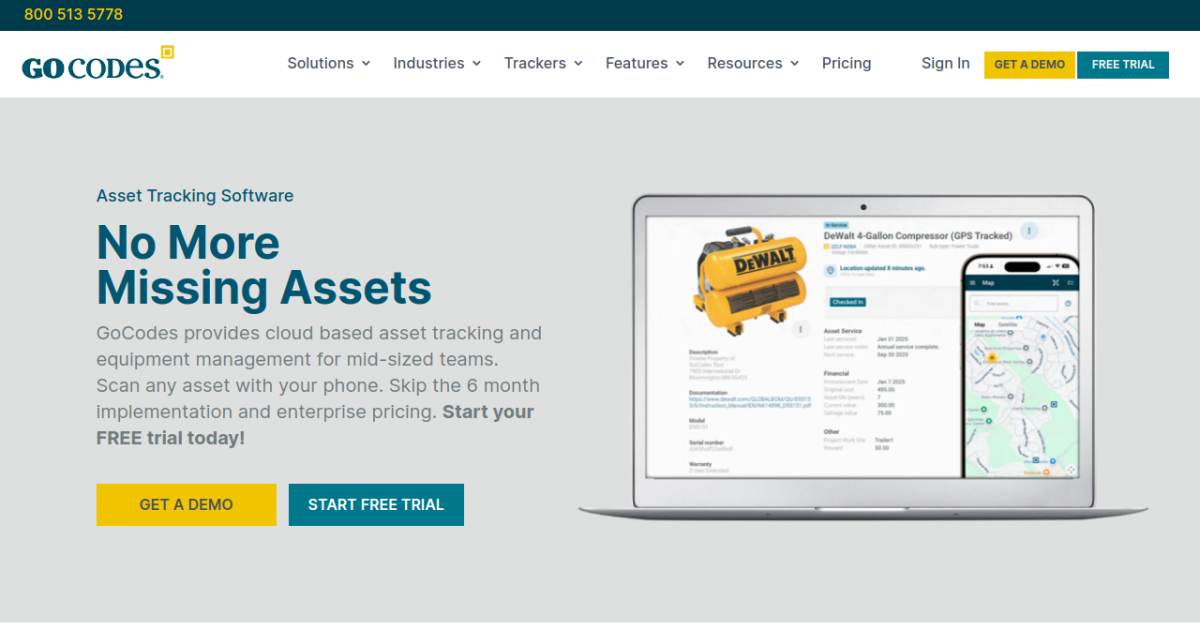
GoCodes homepage screenshot
08

GoCodes

Best budget ITAM with QR-based tracking for SMBs and education
★★★★☆ 4.2

Why I Picked GoCodes

Budget cloud ITAM with QR-code-based tracking and clean mobile apps - strong fit for SMBs and education.

GoCodes is a budget-friendly ITAM platform built around QR-code-based asset tracking. The QR codes are produced and shipped by GoCodes, mounted on assets, and scanned via the GoCodes mobile app for fast inventory operations. It's a simple model that works well for SMBs and education organizations.

Who Is GoCodes Best For?

SMBs, schools, and nonprofits wanting affordable QR-based ITAM

Sweet spot: Small organizations 50-500 assets

Try it if you: Small org needing affordable ITAM with strong physical inventory workflows

  • SMBs: Small businesses needing simple ITAM under $100/month.
  • Schools: Schools tracking laptops, tablets, AV equipment across classrooms.
  • Nonprofits: Nonprofits with tight budgets needing solid asset tracking.

GoCodes Key Features

  • QR-based asset tracking
  • Mobile apps for iOS and Android
  • Check-in/check-out workflows
  • Custom fields and categories
  • Maintenance scheduling

Pros and Cons

Pros

  • Strong value pricing for SMBs
  • QR-based tracking is fast and accurate
  • Mobile apps are well-designed

Cons

  • No automated network discovery
  • Less feature depth than premium ITAMs
Starting price From $24/month (200 assets) Free trial
Ivanti IT Asset Management homepage screenshot
09

Ivanti IT Asset Management

Best enterprise ITAM with deep software asset management capabilities
★★★★☆ 4.2

Why I Picked Ivanti IT Asset Management

Enterprise ITAM with the deepest software asset management (SAM) and license optimization in the category.

Ivanti IT Asset Management has deep enterprise roots (the platform's lineage goes back to LANDESK from 1985), and its strength is software asset management. For large enterprises with significant Microsoft, Oracle, IBM, SAP, or other major software license investments, Ivanti's SAM depth produces real cost optimization and audit-readiness value.

Who Is Ivanti IT Asset Management Best For?

Large enterprises focused on software cost optimization and compliance

Sweet spot: Enterprises 5000+ devices with significant software license spend

Try it if you: Enterprise with significant software license spend and compliance requirements

  • Large enterprises with major software spend: Companies with $1M+ annual software license investment can save significantly via SAM.
  • Compliance-heavy industries: Healthcare, finance, government with major software vendor audit risk.
  • Software-license-mature organizations: Companies that have already done basic ITAM and want deep SAM optimization.

Ivanti IT Asset Management Key Features

  • Deep software asset management
  • License optimization and compliance
  • Hardware asset tracking
  • Audit-ready compliance reporting
  • Enterprise security integrations

Pros and Cons

Pros

  • Deepest SAM capabilities in this list
  • Strong compliance posture
  • Mature enterprise platform

Cons

  • Complex deployment
  • Premium enterprise pricing
Starting price Quote-based (enterprise) Demo available
ServiceNow ITAM homepage screenshot
10

ServiceNow ITAM

Best enterprise ITAM for organizations already standardized on ServiceNow
★★★★☆ 4.3

Why I Picked ServiceNow ITAM

Enterprise ITAM as part of the ServiceNow ITSM platform - the right choice for organizations already on ServiceNow.

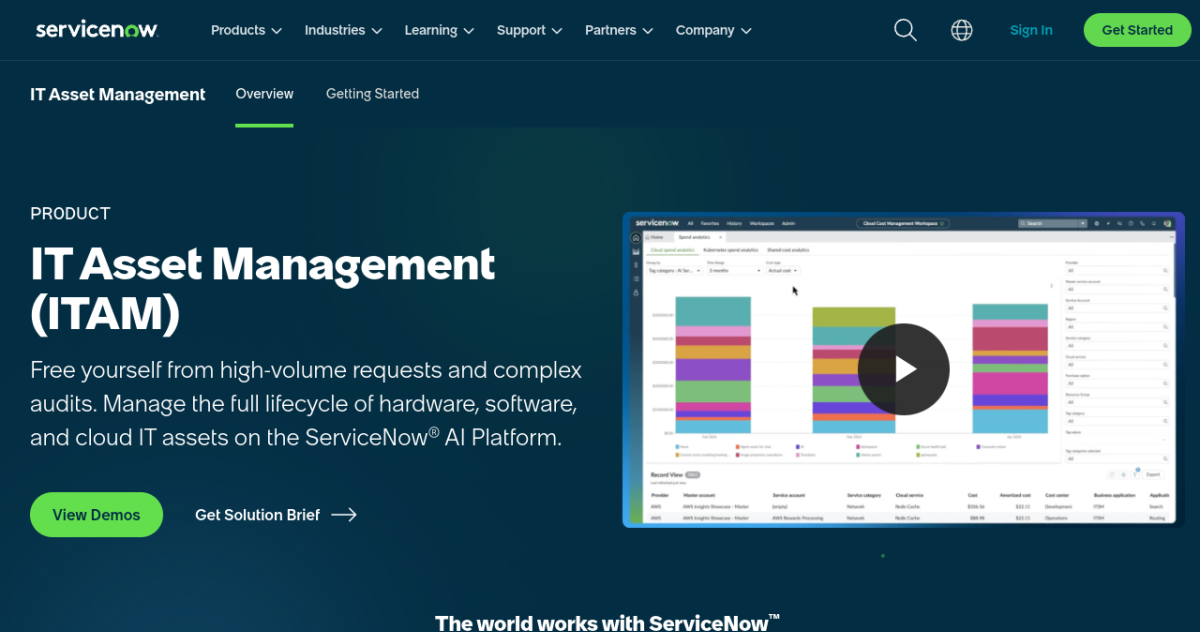
ServiceNow ITAM is part of the broader ServiceNow Now Platform - the most dominant enterprise ITSM platform globally. For organizations already running ServiceNow for incident, change, and configuration management, adding ITAM to the same platform produces unmatched data consistency and workflow integration.

Who Is ServiceNow ITAM Best For?

Large enterprises already standardized on ServiceNow ITSM

Sweet spot: ServiceNow customers wanting to consolidate ITAM into their existing platform

Try it if you: Already on ServiceNow and want consolidated ITAM

  • ServiceNow enterprise customers: Organizations already running ServiceNow ITSM at scale - this is the natural ITAM choice.
  • CMDB-mature enterprises: Organizations with mature CMDB practices benefit most from asset-to-CI linkage.
  • Large global enterprises: Multi-region, multi-business-unit enterprises that need consistent ITAM across the organization.

ServiceNow ITAM Key Features

  • Native ServiceNow ITSM integration
  • Hardware + software asset management
  • CMDB integration for full IT context
  • License compliance and optimization
  • Asset lifecycle workflows

Pros and Cons

Pros

  • Deepest ITSM integration for ServiceNow shops
  • Comprehensive enterprise capability
  • Strong CMDB context for asset records

Cons

  • Only makes sense for ServiceNow customers
  • Premium enterprise pricing
Starting price Quote-based (ServiceNow add-on) ServiceNow add-on

Our Methodology

How we picked these tools

We evaluate every IT asset management platform against the same five criteria, weighted toward what matters most to distributed teams.

1

Core IT asset management depth

The non-negotiables of IT asset management - judged on how reliably and granularly each tool delivers them.

2

Coverage & integrations

Breadth of OS, platform, or environment coverage and the depth of integrations with the rest of your stack.

3

Security & compliance

How much audit-readiness work the tool removes for frameworks like SOC 2 and ISO 27001, and how it handles BYOD privacy.

4

Deployment & ease of use

Time to value, quality of admin and end-user experience, and whether a lean team can run it without a dedicated specialist.

5

Pricing & value

Transparent, predictable pricing measured against the capability delivered - including free tiers and scaling with team size.

Questions & Answers

IT Asset Management FAQ

ITAM (IT Asset Management) tracks what assets you have, where they are, and their lifecycle. ITSM (IT Service Management) handles tickets, incidents, changes, and service workflows. They overlap (Freshservice and ServiceNow do both), but ITAM is a more specific use case focused on inventory and lifecycle.

It depends on your environment. For organizations under ~200 endpoints with strong IT discipline, manual or API-driven ITAM (Snipe-IT) often works fine. For larger or sprawling environments where shadow IT is common, automated discovery (Lansweeper, ManageEngine) becomes essential to maintain accurate inventory.

Most modern ITAMs include some cloud asset discovery - AWS, Azure, GCP resources alongside on-prem hardware. Lansweeper has the strongest cloud asset coverage in this list. For cloud-only environments, dedicated cloud asset management tools (CloudHealth, Spot.io) may be more focused.

If you're already running ITSM tools (Jira, ServiceNow, Freshservice), check whether they have ITAM modules - bundling often makes sense. If you need pure asset tracking without ITSM, dedicated tools (Lansweeper, Snipe-IT) are more focused and often cheaper.

Auditors expect comprehensive asset inventory as a basic control. ITAM platforms provide this evidence - accurate hardware/software inventory, software license compliance, and access tracking. Without an ITAM platform, audit prep typically involves significant manual inventory work.

Mid-tier ITAMs (ManageEngine AssetExplorer, Asset Panda) handle license tracking adequately. For deep license optimization at enterprise scale, dedicated SAM tools (Ivanti, Flexera) produce more value. Ivanti customers often save more in optimized licenses than they pay for the platform.

Start with manual export of your current spreadsheet into the new platform via CSV import. Then layer in automation: connect your MDM/RMM for ongoing asset updates, set up network discovery if applicable, and integrate with procurement systems for new asset entry. Plan 1-3 months for full migration.