allwhere Review
US-focused IT lifecycle platform with particular strength in laptop retrieval for distributed teams.
Transparency: PeopleOpsHQ may earn a commission when you click out to a partner. We only feature tools we have evaluated against a consistent rubric. Editorial policy.
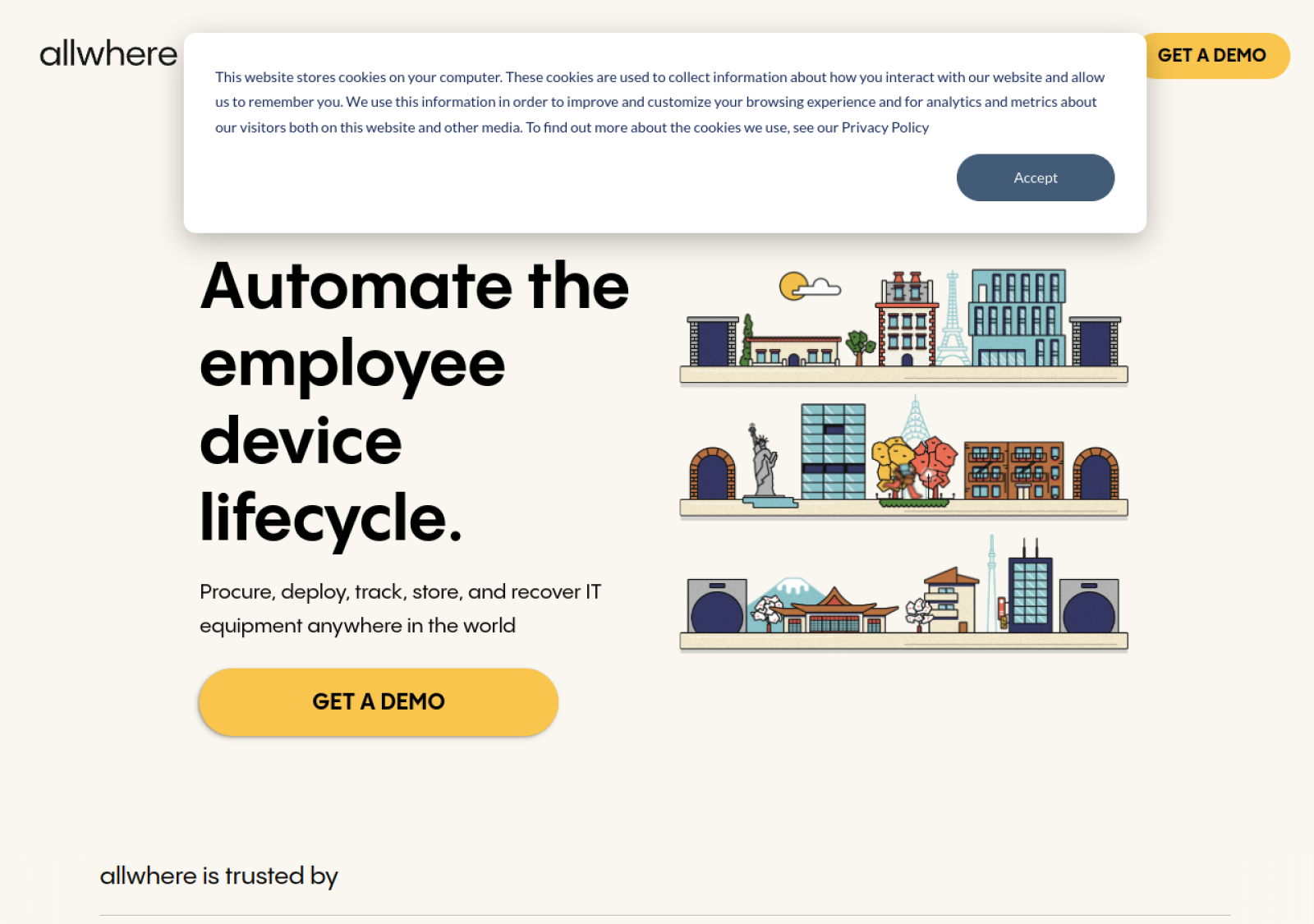
Live screenshot of www.allwhere.co
Overview
What is allwhere?
allwhere is a newer IT lifecycle platform with a clean focus on the US distributed team use case. The product design emphasizes the retrieval experience - both for IT teams managing offboardings and for departing employees who need to return equipment.
Capabilities
Key features, in detail
What you actually get when you turn allwhere on for a distributed team.
Self-service portal
Departing employees handle their own return workflow - receive prepaid kits, schedule pickup, track return.
Prepaid return kits
Custom-designed shipping kits sent to departing employees; minimal IT coordination needed.
Certified wipe
Standard NIST 800-88 wipe with attestation documents.
Resale workflow
Returned devices that won't be reissued get resold with value flowing back to the company.
HRIS integrations
BambooHR, Rippling, Justworks, HiBob integrations trigger retrieval on offboarding.
Pricing
How allwhere pricing works
allwhere is quote-based with platform fees plus per-retrieval costs.
Standalone retrieval service.
- HRIS triggers
- Prepaid kits
- Self-service portal
- Certified wipe
Full procurement + retrieval.
- Everything in Retrieval
- Procurement bundling
- Single platform
- Volume pricing
Custom SLAs for larger fleets.
- Custom SLAs
- Dedicated team
- Premium reporting
What you'll actually pay: Most US retrievals cost ~$50-100 all-in including kit, shipping, wipe. Resale credits may offset cost.
The trade-offs
Pros & cons
What we like
- Cleanest self-service retrieval UX in this list
- Strong US logistics with consistent service quality
- IT-friendly product design built around the retrieval use case
- Active product development and modern admin experience
What to watch out for
- Less global coverage than Workwize or Deel IT
- Quote-based pricing requires sales process
- International capabilities still developing
Ideal Customer Profile
Who is allwhere best for?
The teams that get the most ROI from allwhere tend to share these characteristics.
US distributed teams
Companies with primarily-US remote workforce wanting clean retrieval.
IT-light organizations
Companies without dedicated IT operations benefit from self-service employee workflows.
Modern HR-led companies
HR-driven offboarding workflows where retrieval needs to be employee-friendly.
If not allwhere
Top alternatives to consider
allwhere sits in a competitive category. These are the platforms most often evaluated alongside it.
Workwize
Global retrieval with stronger international coverage.
Read review →Deel IT (Hofy)
130+ country retrieval tied to Deel platform.
Read review →Firstbase
US-focused with similar self-service positioning.
Read review →Multiplier
Global EOR platform with IT equipment lifecycle bundled.
Read review →Common questions
allwhere FAQ
Limited international coverage today - primarily US. For companies with significant international workforce, Workwize or Deel IT provide deeper global coverage.
Departing employee gets a portal link from your HRIS-triggered allwhere notification. They confirm address, receive prepaid kit, schedule pickup, and track return - all without IT tickets.
From offboarding trigger to wipe completion: 7-14 business days typical, faster with expedited options.
Yes - retrieval works without committing to allwhere procurement. Standalone retrieval is one of the cleaner offerings available.
Bottom line
Our verdict on allwhere
Cleanest US retrieval UX
allwhere has built one of the best US distributed-team retrieval experiences available - the self-service employee portal genuinely reduces IT overhead, and the product design feels modern and purpose-built rather than retrofitted.