Microsoft Intune Review
Microsoft's cross-platform endpoint manager, the Windows zero-touch leader and a viable cross-platform option for Microsoft 365 shops.
Transparency: PeopleOpsHQ may earn a commission when you click out to a partner. We only feature tools we have evaluated against a consistent rubric. Editorial policy.
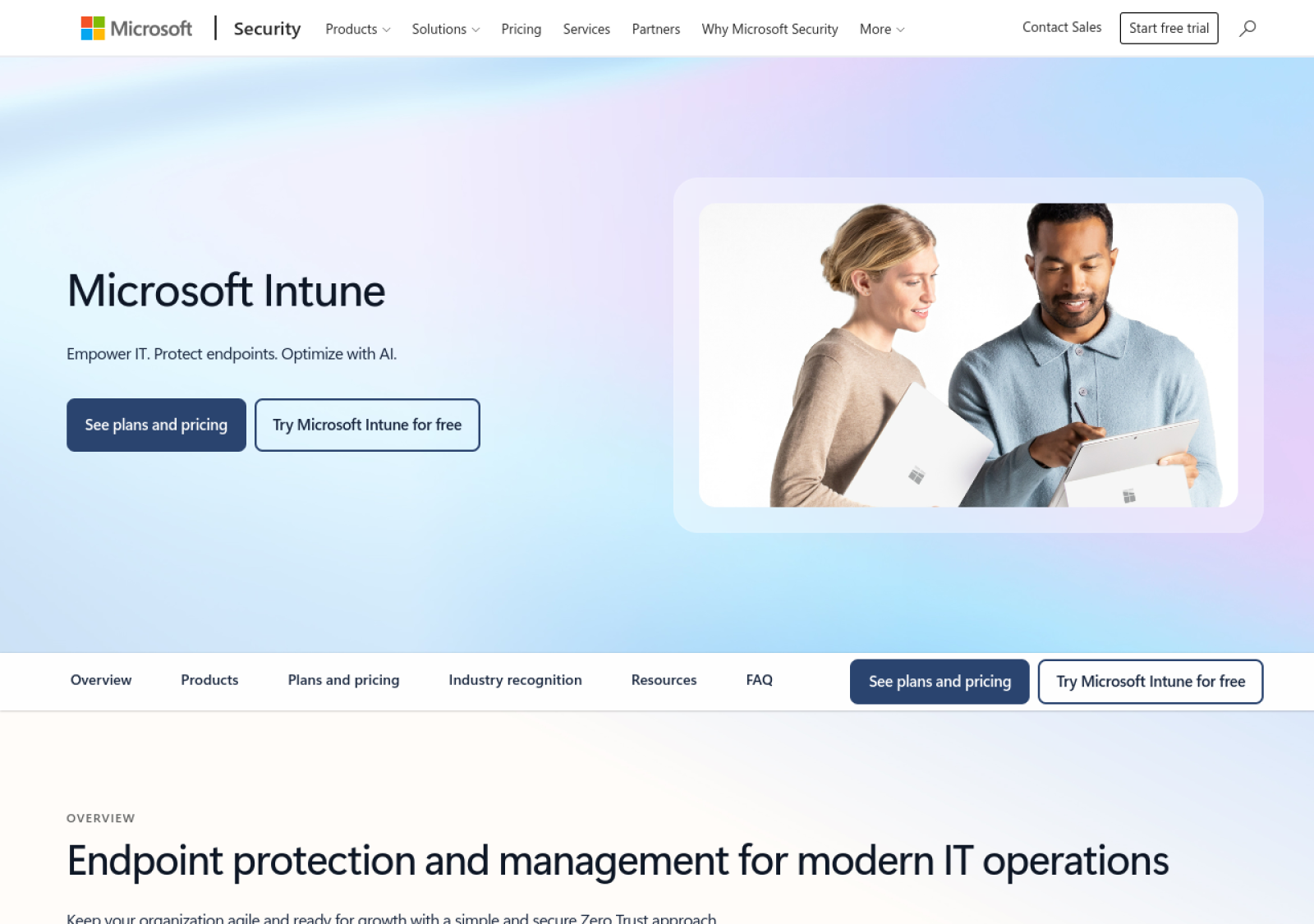
Live screenshot of www.microsoft.com
Overview
What is Microsoft Intune?
Microsoft Intune (now part of Microsoft Intune Suite) is Microsoft's flagship cloud endpoint management platform, bundled with Microsoft 365 E3/E5 licenses and increasingly the default cross-platform MDM at organizations already deep in the Microsoft ecosystem.
Capabilities
Key features, in detail
What you actually get when you turn Microsoft Intune on for a distributed team.
Windows Autopilot
Deepest Windows ZTP available. Ship laptops to employees; they unbox, sign in to Azure AD, and Intune handles the rest.
Apple Business Manager support
Apple MDM via ABM integration. Functional but less polished than Kandji or Jamf.
Android Zero-Touch
Android Enterprise + Zero-Touch enrollment for Android device fleets.
Conditional Access
Tie device compliance to access control - only compliant devices get to corporate resources. Microsoft's biggest ZTP-adjacent value.
Endpoint analytics
Built-in analytics on device health, app performance, and user experience signals.
Microsoft 365 native
Bundled with M365 E3/E5; deep integration with Azure AD, M365 Apps, Defender for Endpoint.
Pricing
How Microsoft Intune pricing works
Intune pricing depends heavily on whether you're already on Microsoft 365 - it's often bundled, not separately purchased.
Buy Intune separately.
- Cross-platform MDM
- Windows Autopilot
- Apple Business Manager
- Android Zero-Touch
M365 E3 + Intune + much more.
- Everything in standalone
- M365 Apps
- Azure AD Premium P1
- Conditional Access
- Defender for Office
Top-tier M365 with Intune Suite.
- Everything in E3
- Intune Suite advanced features
- Defender for Endpoint
- Azure AD Premium P2
- Advanced compliance
What you'll actually pay: Most Intune deployments come bundled with M365 E3 or E5 rather than purchased standalone. Standalone Intune at $8/user/month is rarely a meaningful cost decision; M365 license choice is the real lever.
The trade-offs
Pros & cons
What we like
- Best-in-class Windows zero-touch via Windows Autopilot
- Bundled with Microsoft 365 E3/E5 - often free at the margin
- Native Azure AD and Conditional Access integration
- Cross-platform support in single console
- Strong enterprise security posture management
What to watch out for
- Apple MDM capabilities lag dedicated Apple MDMs
- Complex licensing creates real Microsoft expertise dependency
- Slower release cycle than purpose-built modern MDMs
- User experience varies by platform - polished on Windows, basic on Apple
Ideal Customer Profile
Who is Microsoft Intune best for?
The teams that get the most ROI from Microsoft Intune tend to share these characteristics.
Microsoft 365 E3/E5 organizations
Already paying for Intune via M365 bundling - use it or pay twice.
Windows-first enterprises
Windows Autopilot is unmatched for Windows zero-touch - hard to beat for Windows-primary fleets.
Compliance-driven enterprises
Conditional Access policies enable robust compliance enforcement tied to device state.
If not Microsoft Intune
Top alternatives to consider
Microsoft Intune sits in a competitive category. These are the platforms most often evaluated alongside it.
Common questions
Microsoft Intune FAQ
Likely yes - M365 E3 and E5 include Intune in the license. If you're already paying for E3/E5, Intune is essentially free and worth deploying instead of buying a separate MDM.
Functional but less polished. Intune handles core Apple MDM operations (Apple Business Manager enrollment, profile deployment, app distribution) but the workflow and admin experience are less refined than Kandji or Jamf. Mixed-fleet companies often run Intune for Windows + Apple-native MDM in parallel.
Windows Autopilot is Microsoft's zero-touch provisioning service for Windows PCs. New PCs ship to employees, employees sign in to Azure AD on first boot, and Autopilot enrolls the PC into Intune for ongoing management. End-to-end zero-touch Windows deployment.
Intune Suite (in M365 E5) adds advanced features: Remote Help, Endpoint Privilege Management, Advanced Endpoint Analytics, and Specialty Device Management. For most organizations, base Intune (in M365 E3) is sufficient.
Yes - Intune supports Windows, macOS, iOS, iPadOS, and Android in a single console. Coverage and polish vary by platform; Windows is strongest, Apple is functional, Android is solid.
Bottom line
Our verdict on Microsoft Intune
The default for Microsoft 365 organizations with Windows fleets
Microsoft Intune is the right choice for the very large universe of organizations already on Microsoft 365 with Windows-primary fleets. The Windows Autopilot integration is best-in-class, the cross-platform coverage is functional, and the cost is often zero at the margin thanks to M365 bundling.